BZ Lightroom Presets

Volume I

includes 10 cinematic presets for just $30

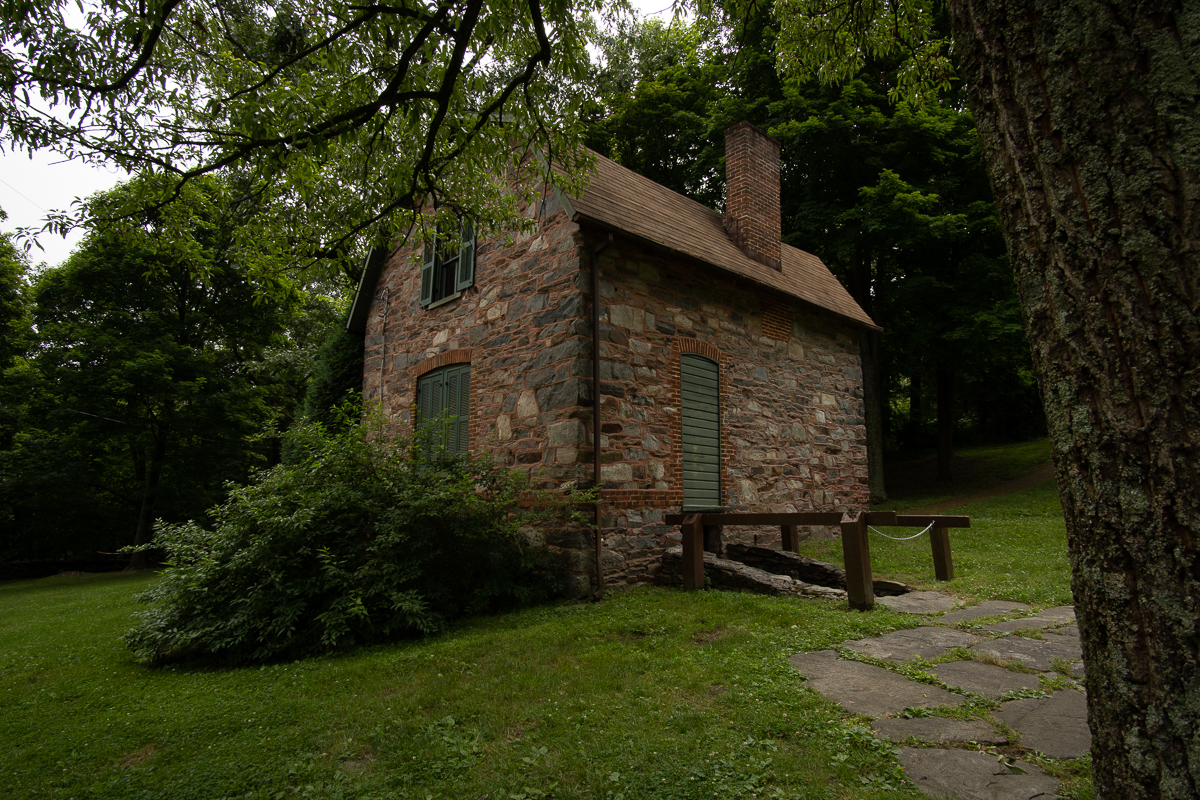
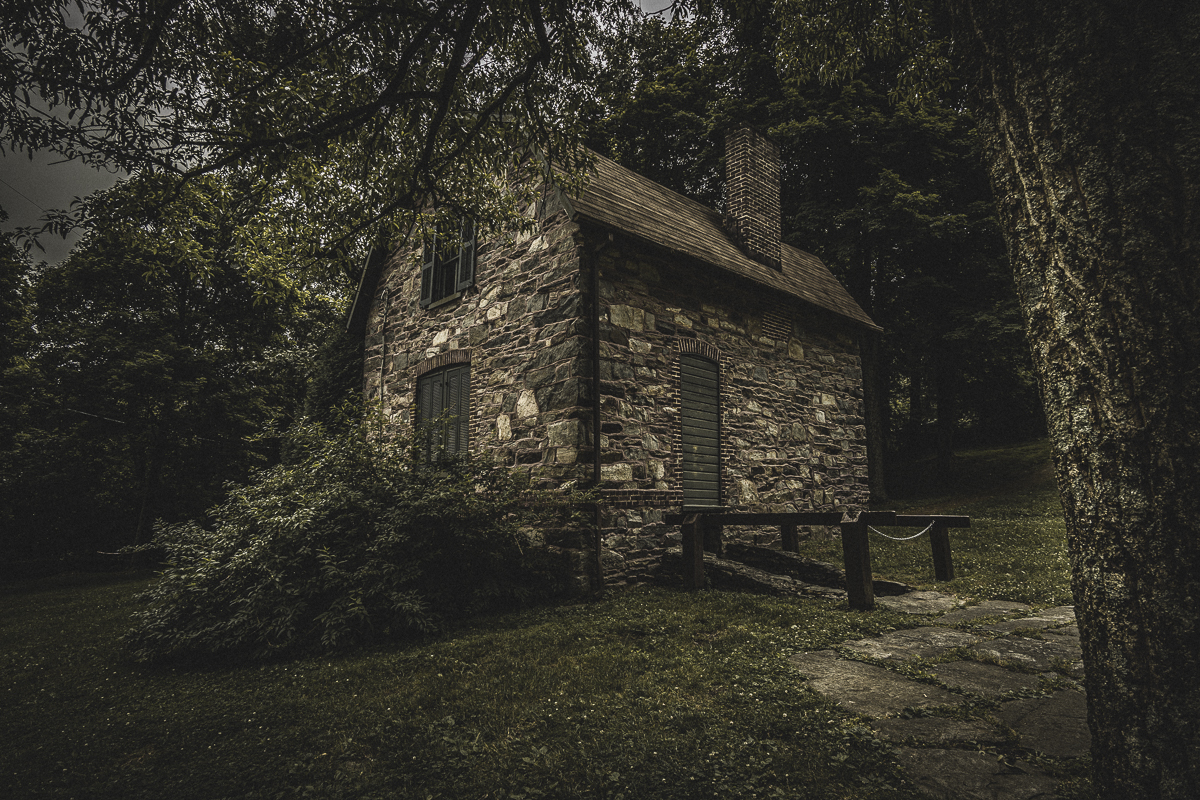
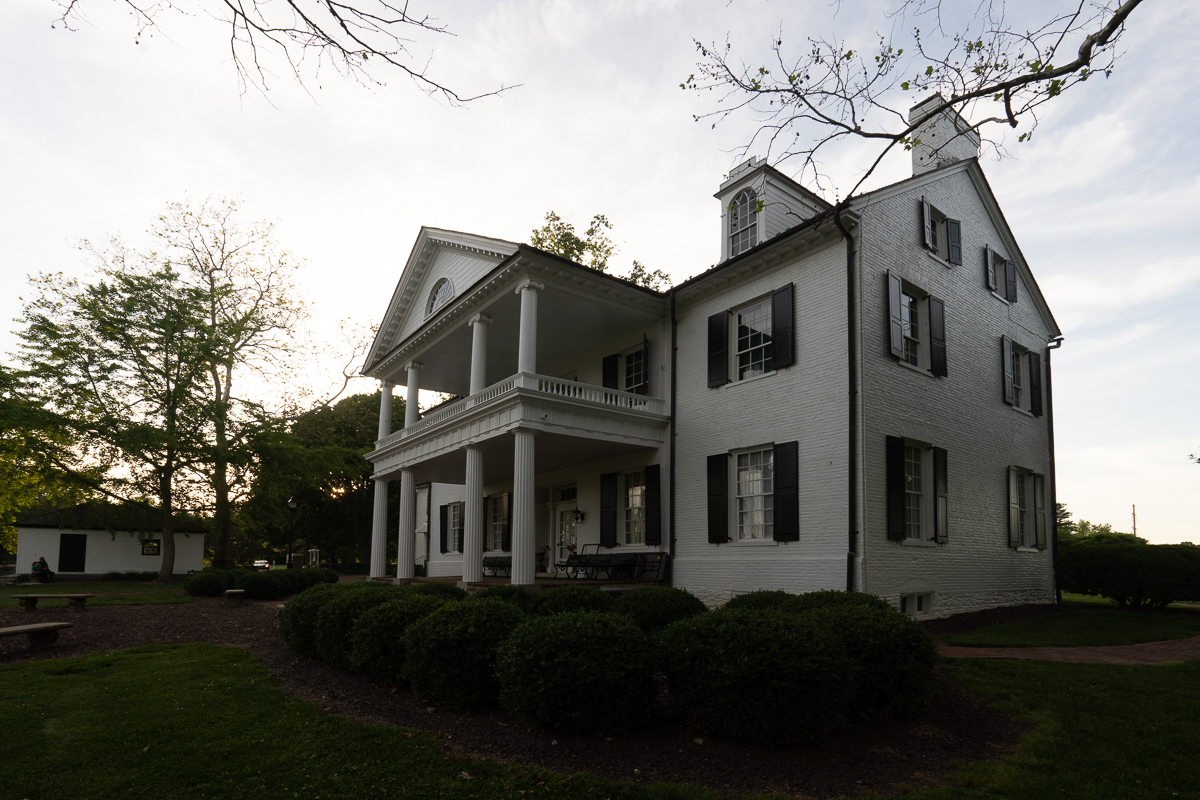
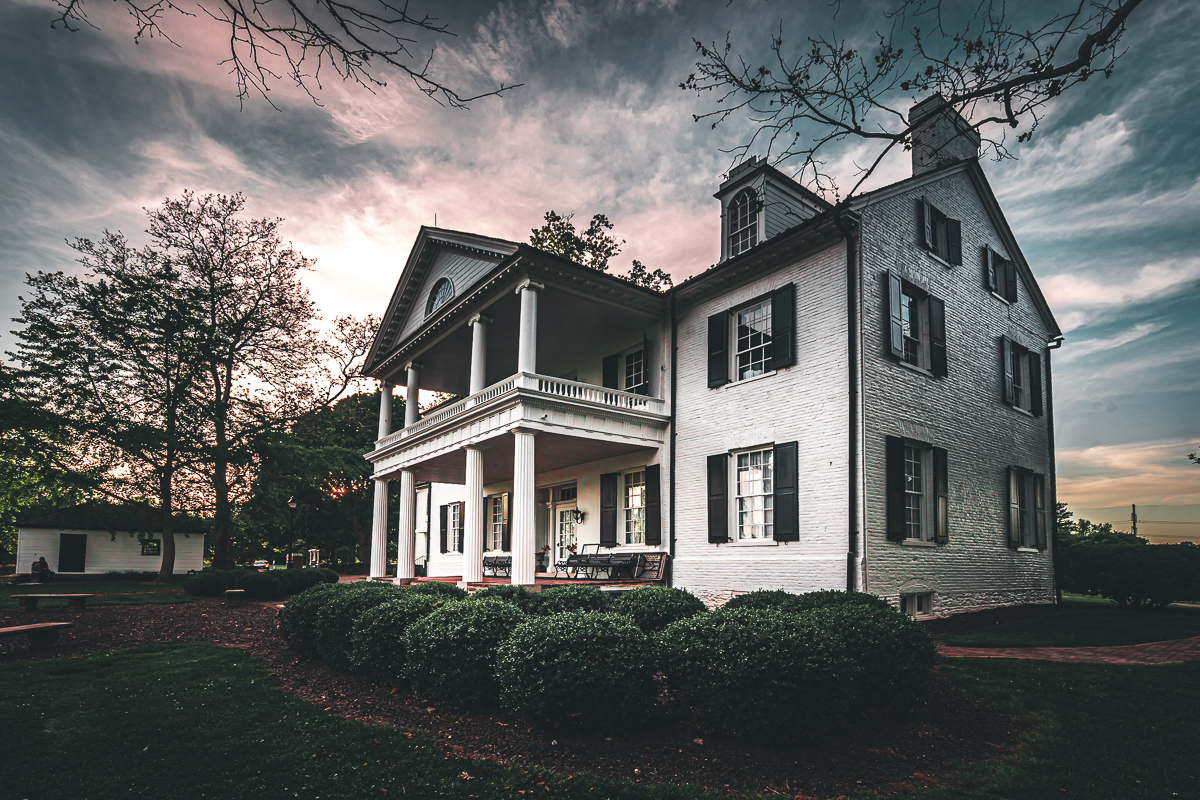
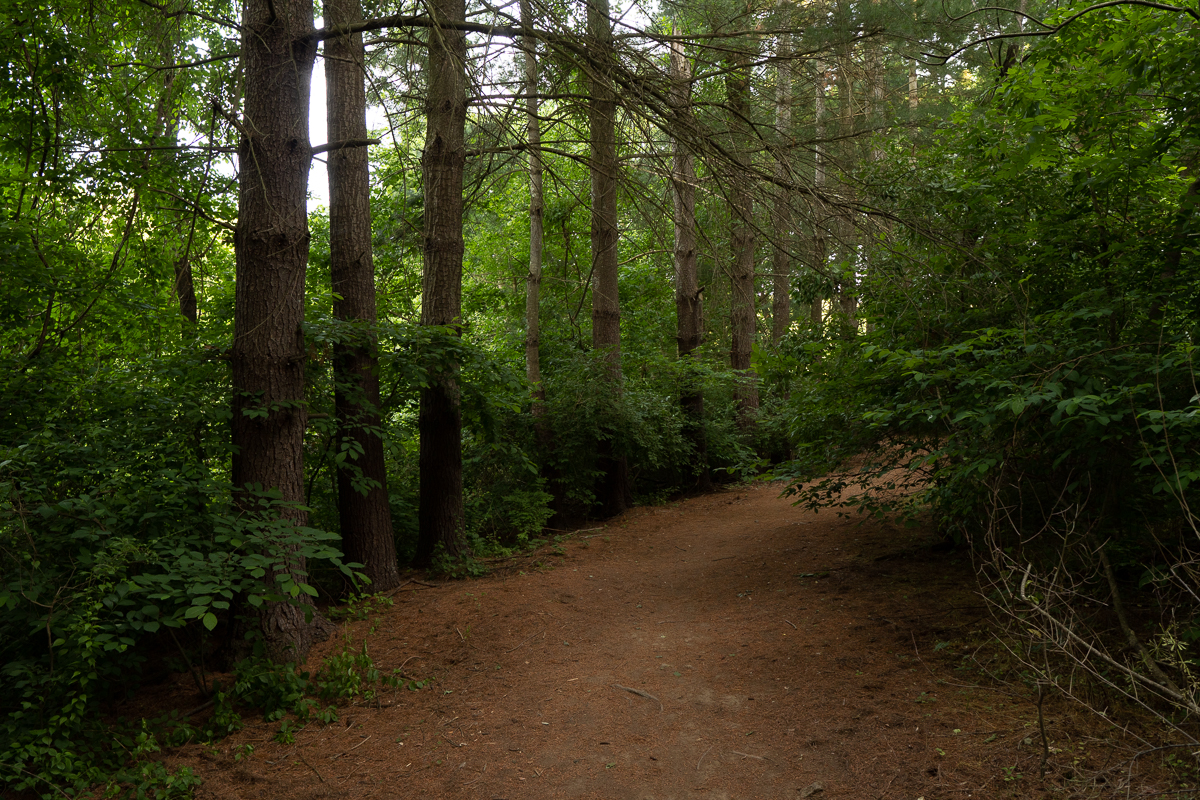
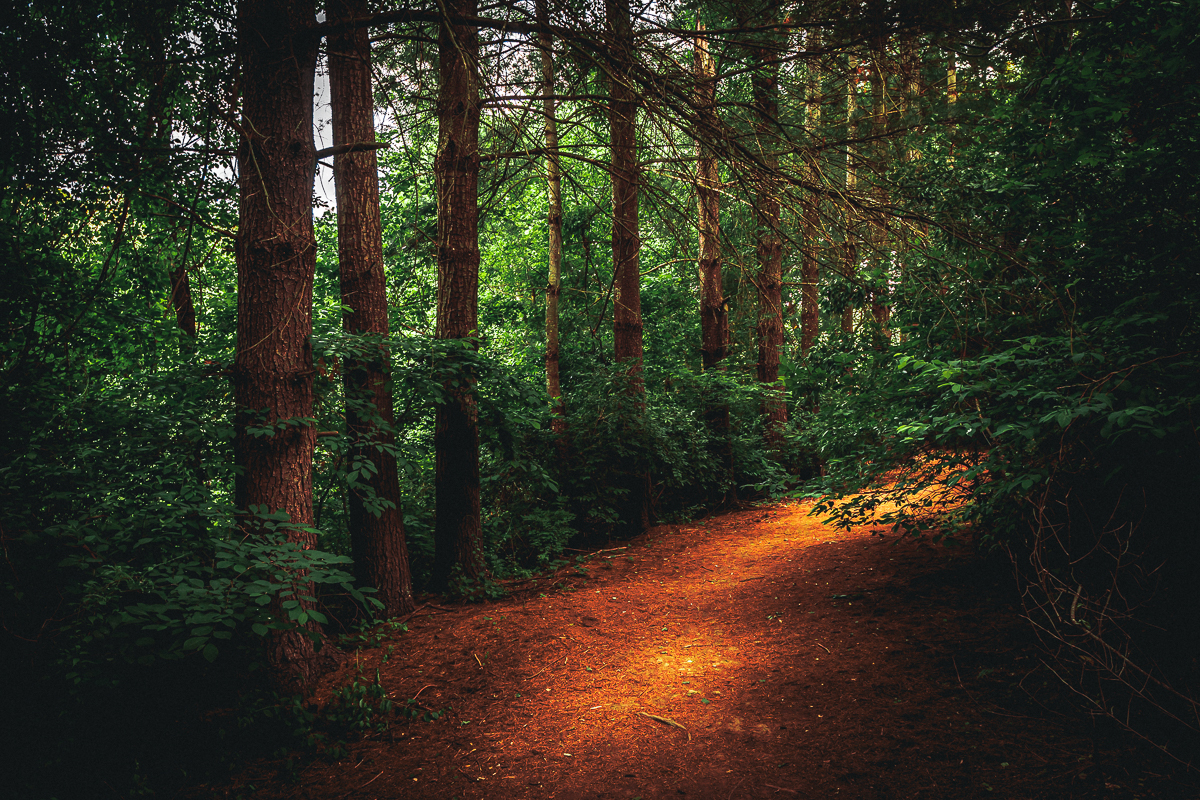
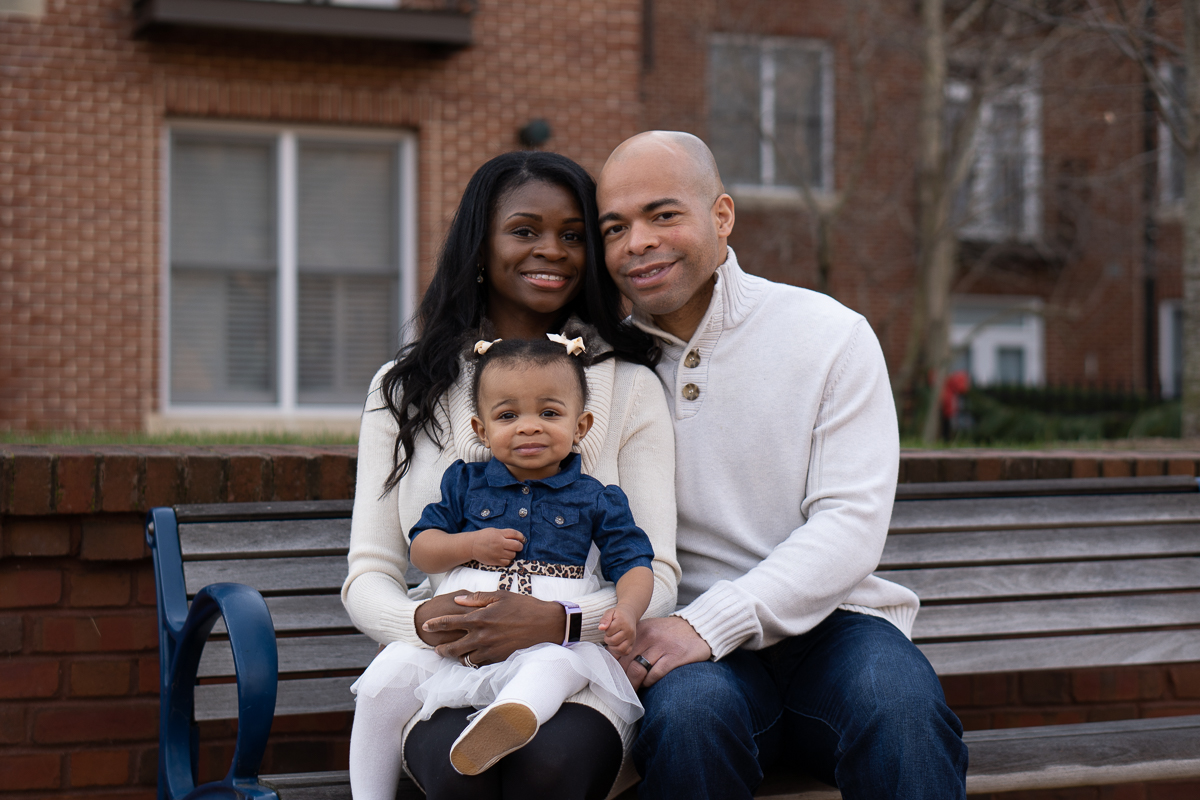
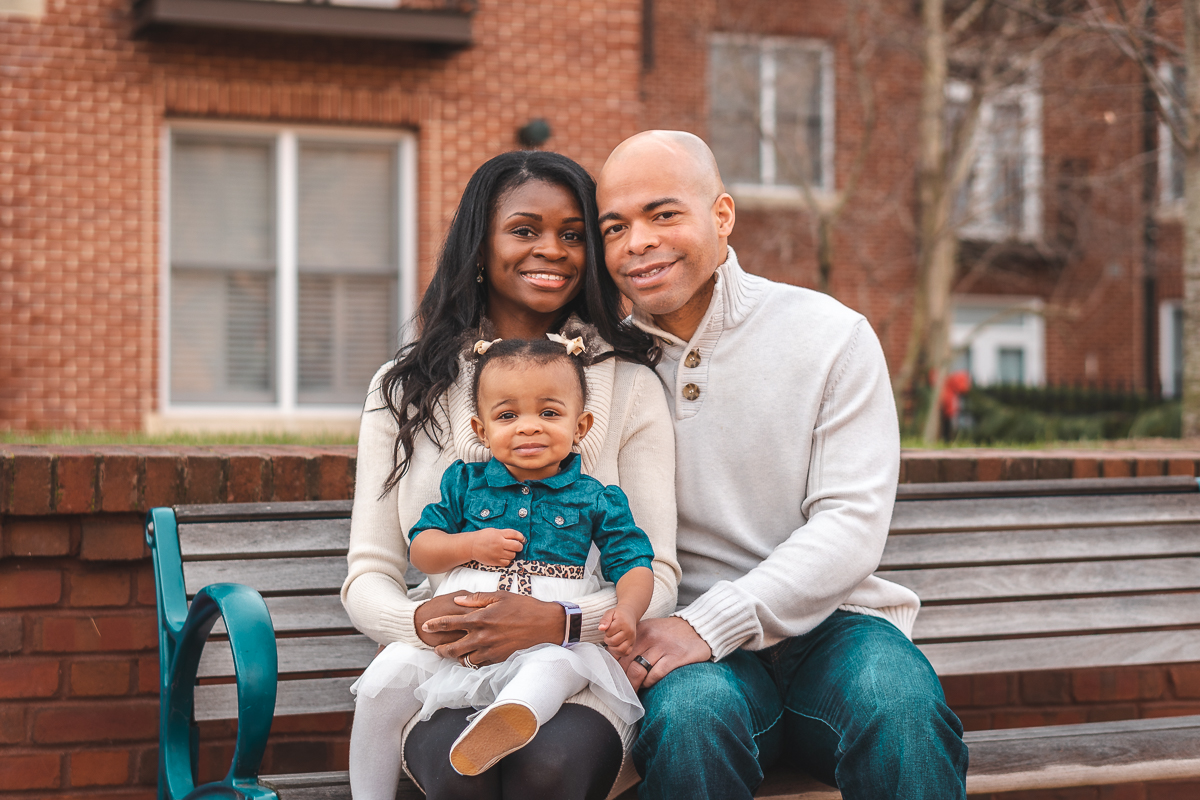
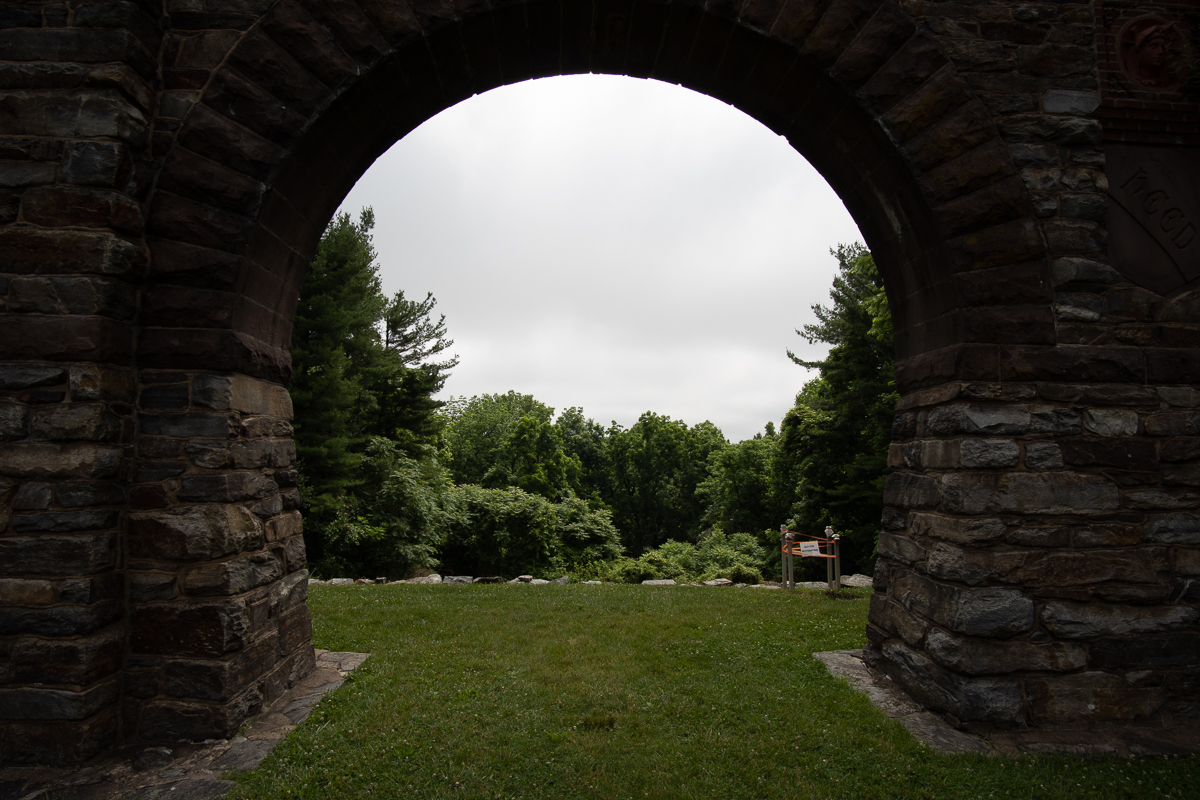
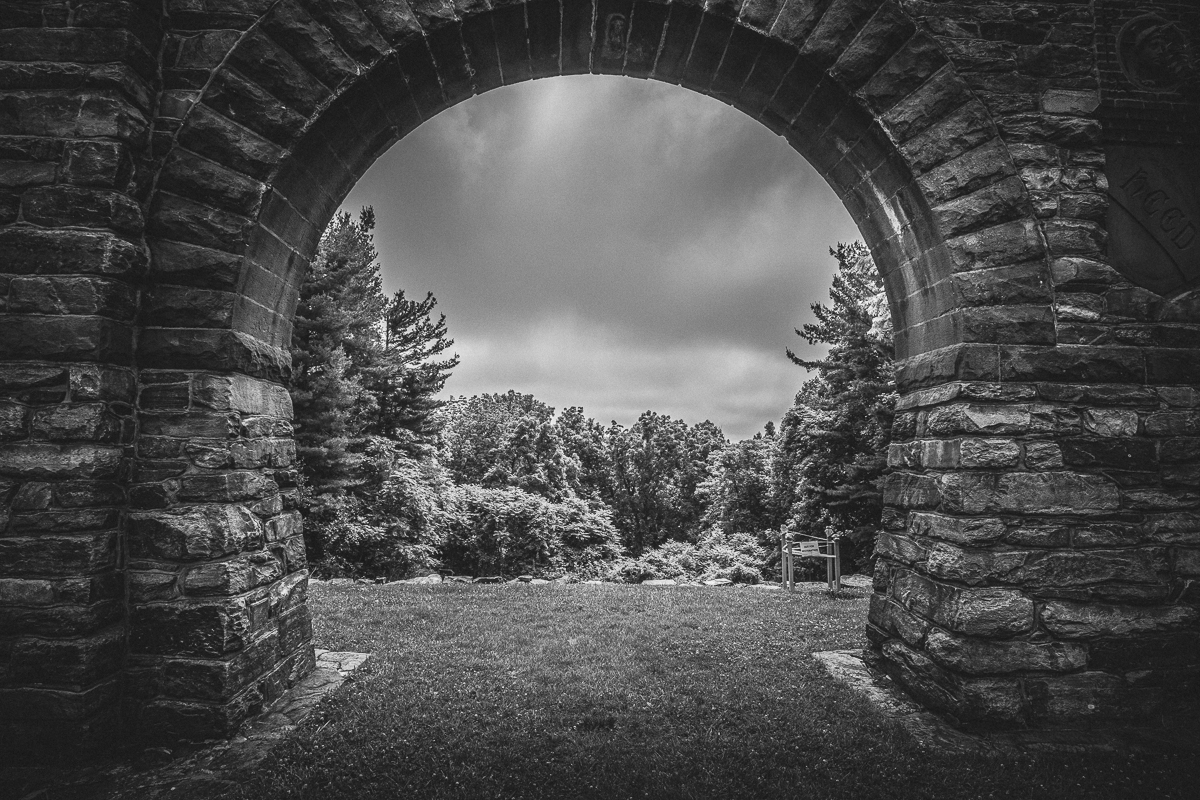
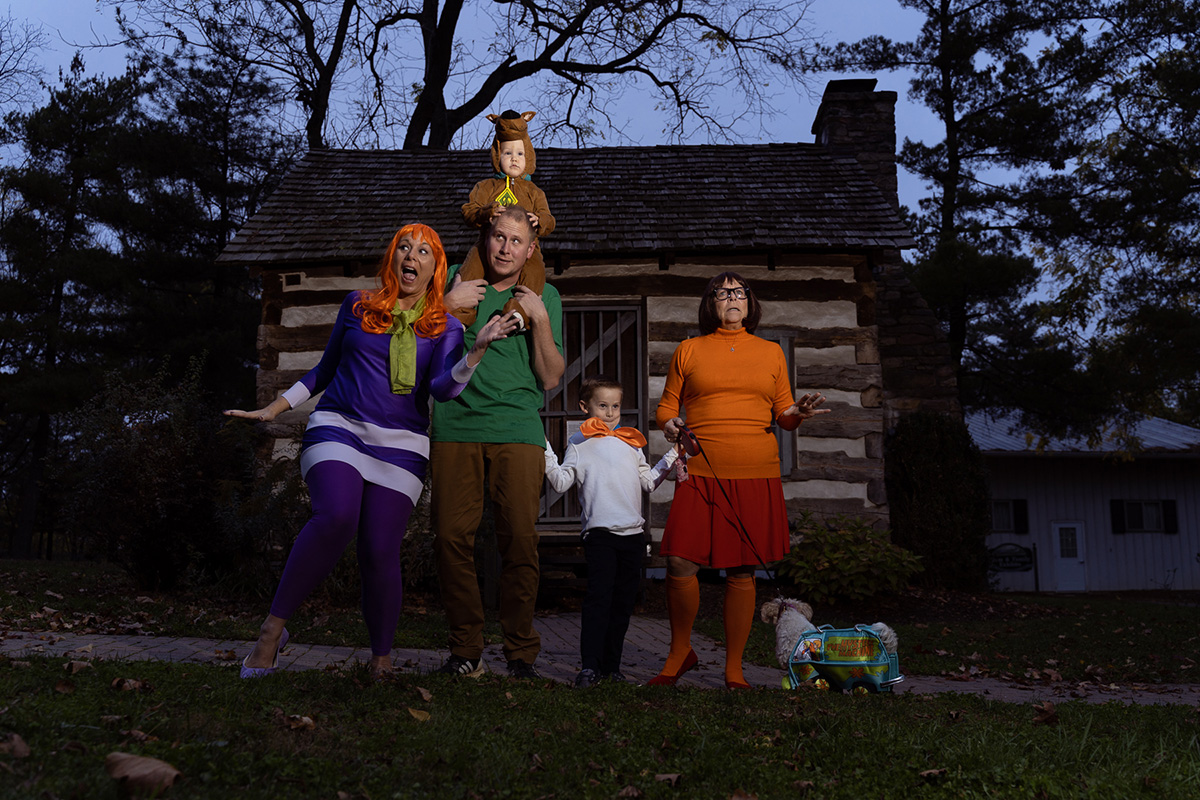
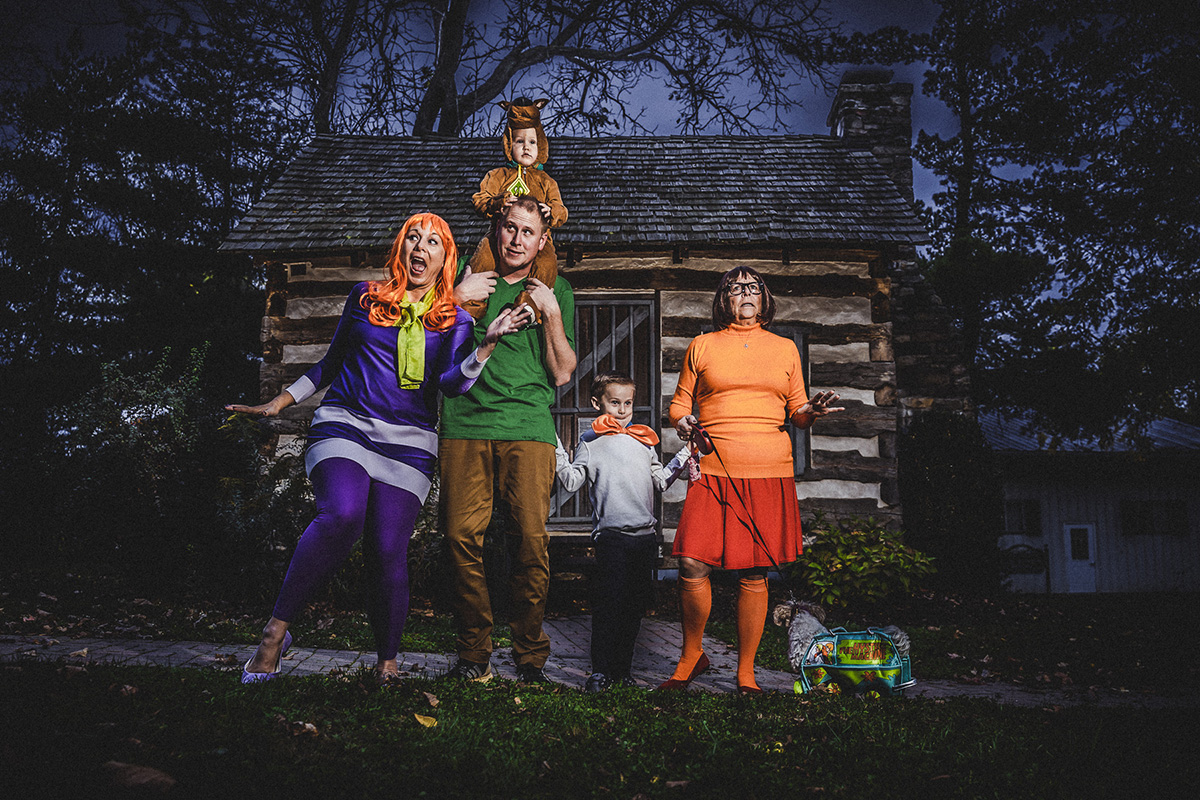
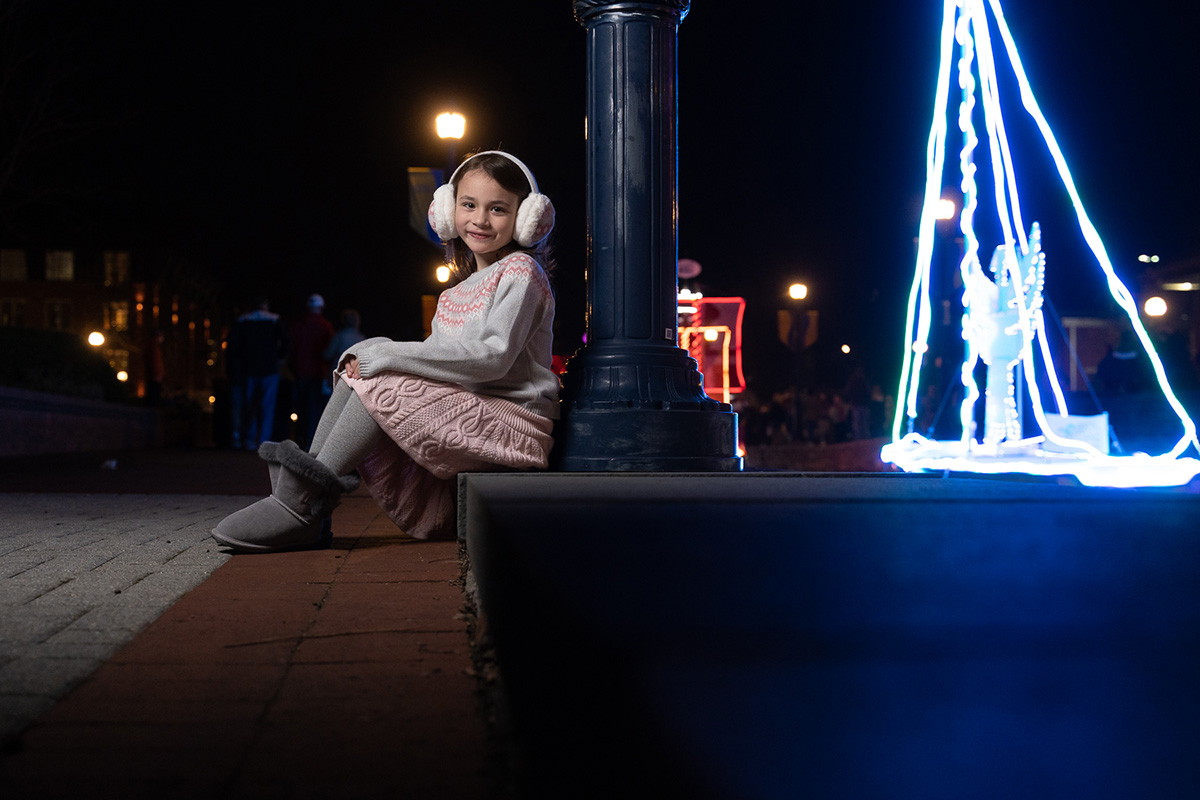
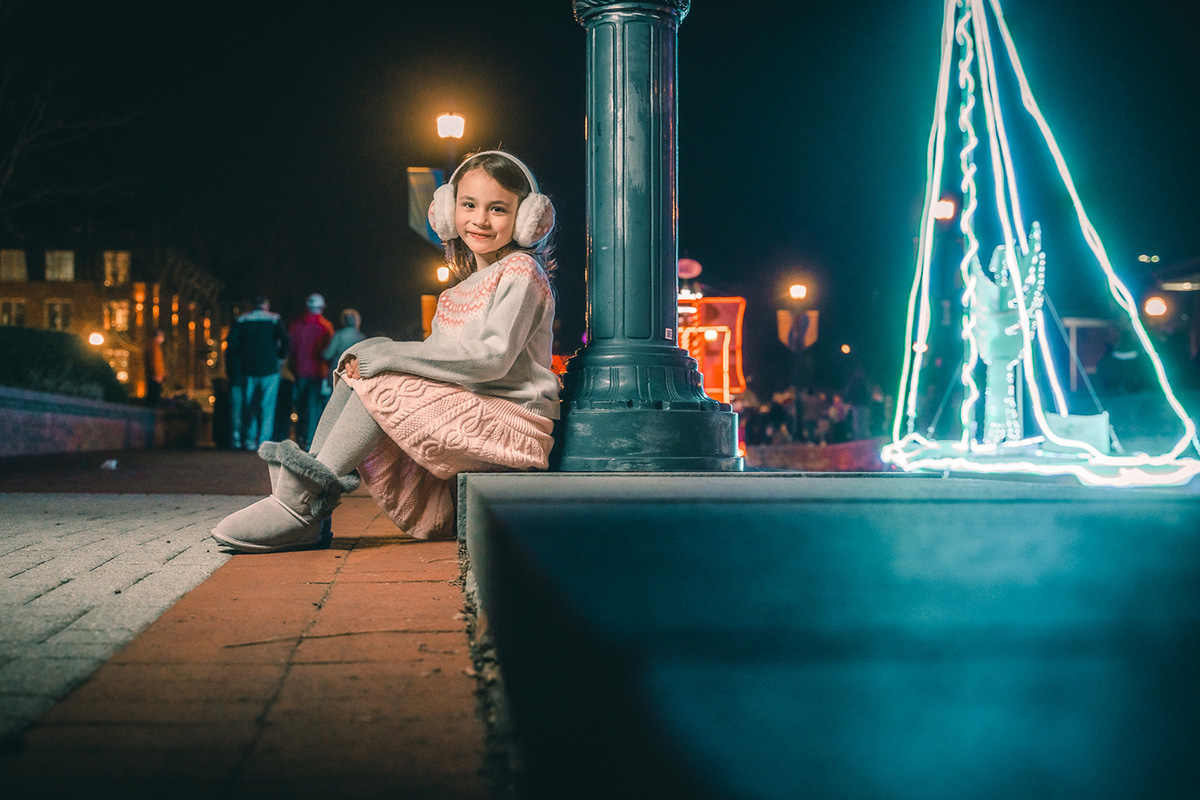
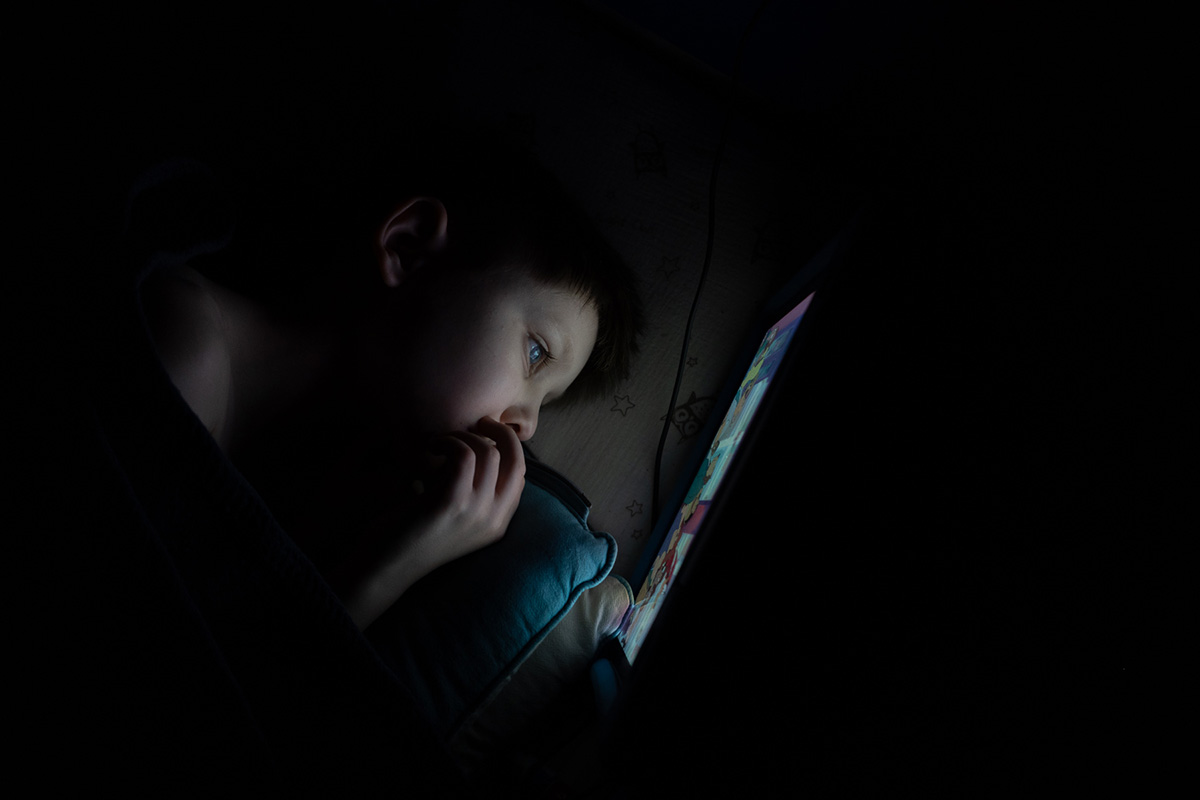
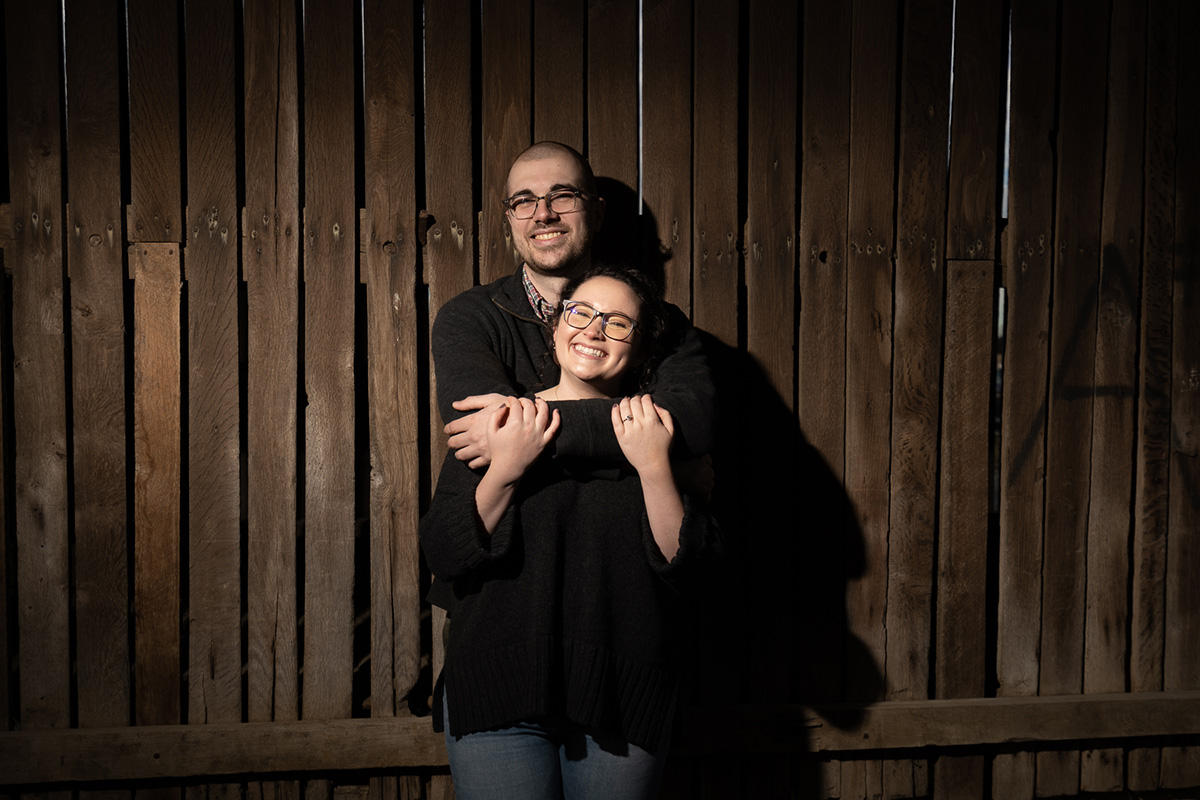
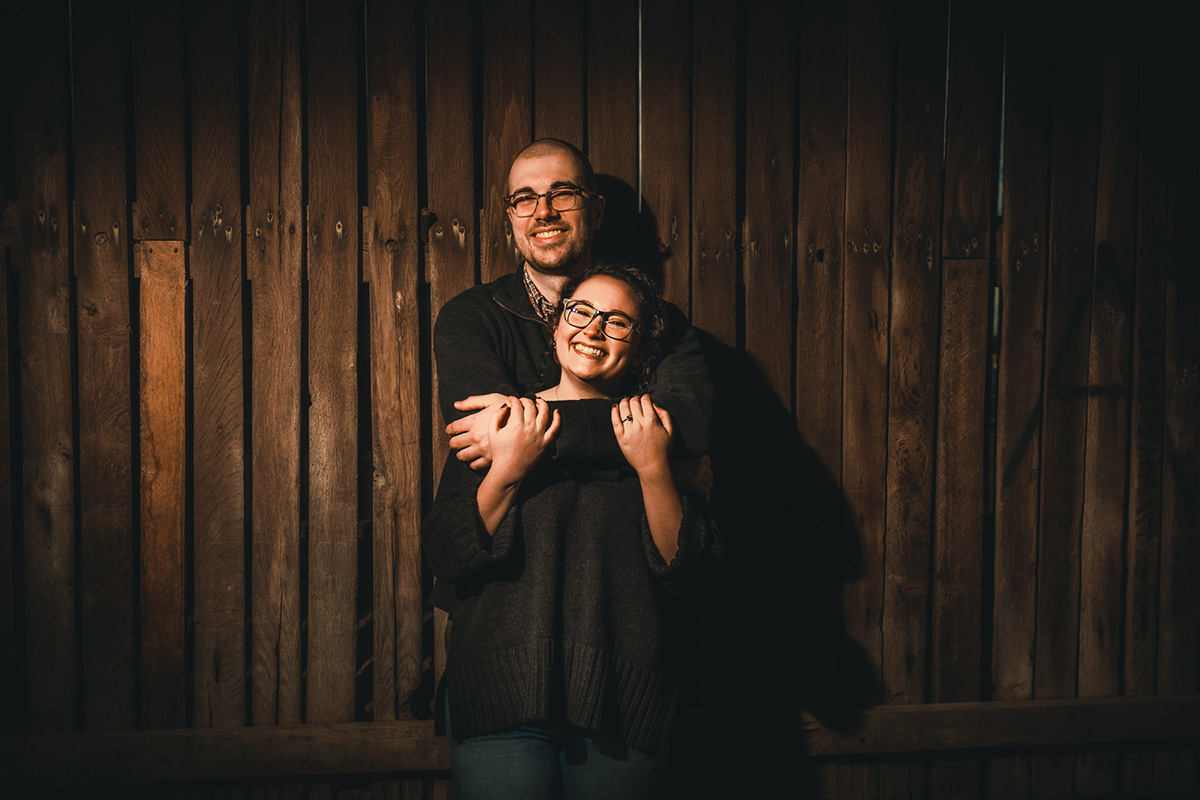
Before After FX image

Dark Fairytale

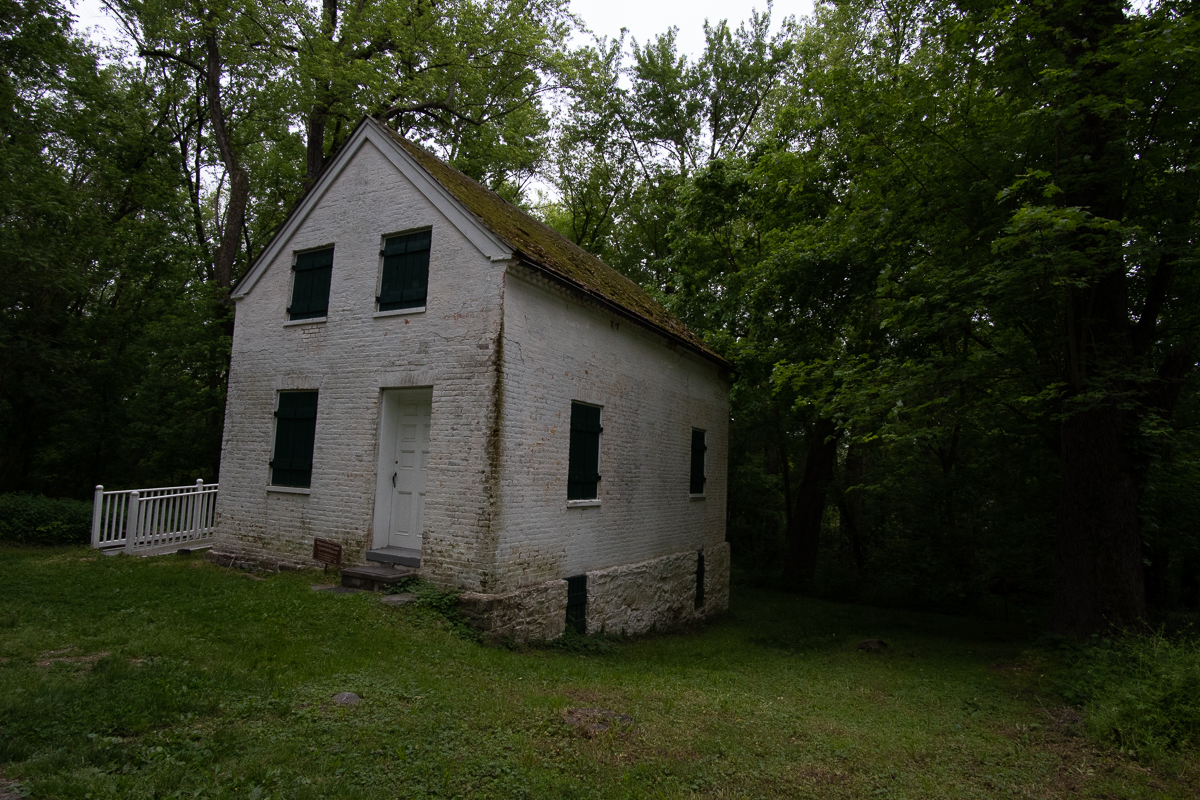
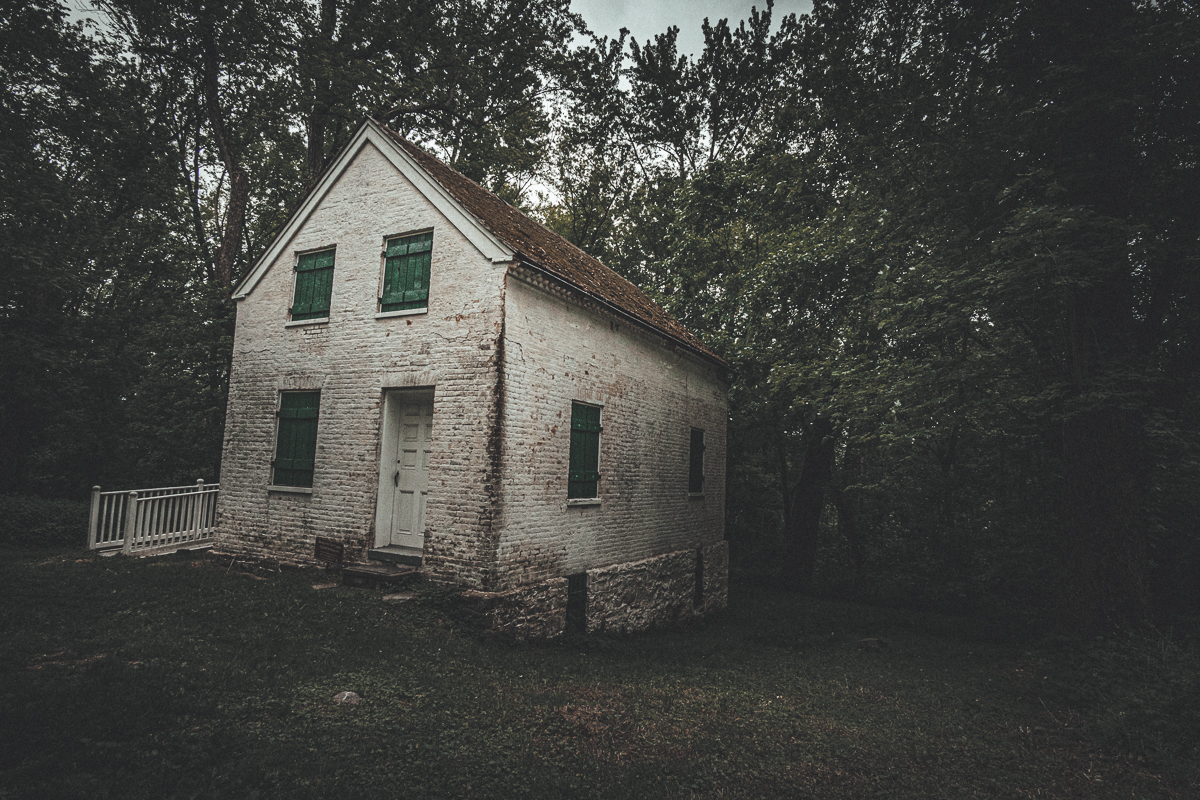
Before After

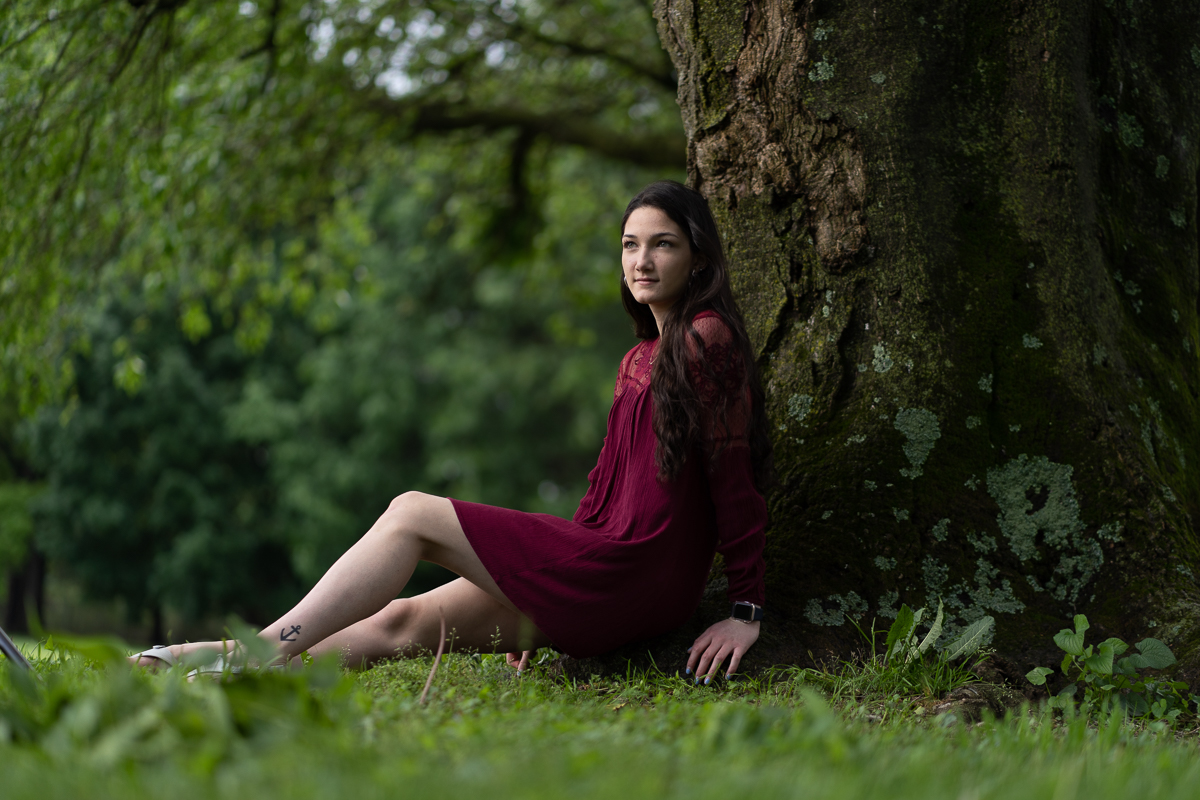
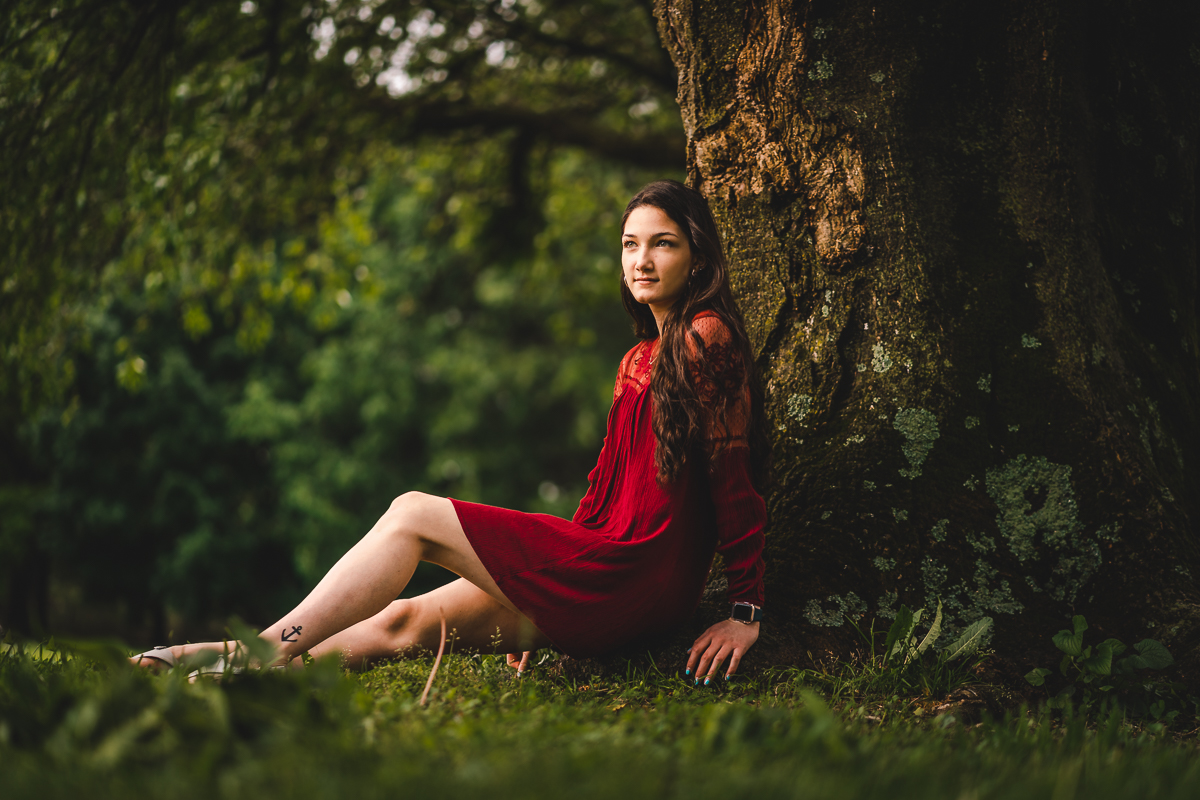
Portrait Pop

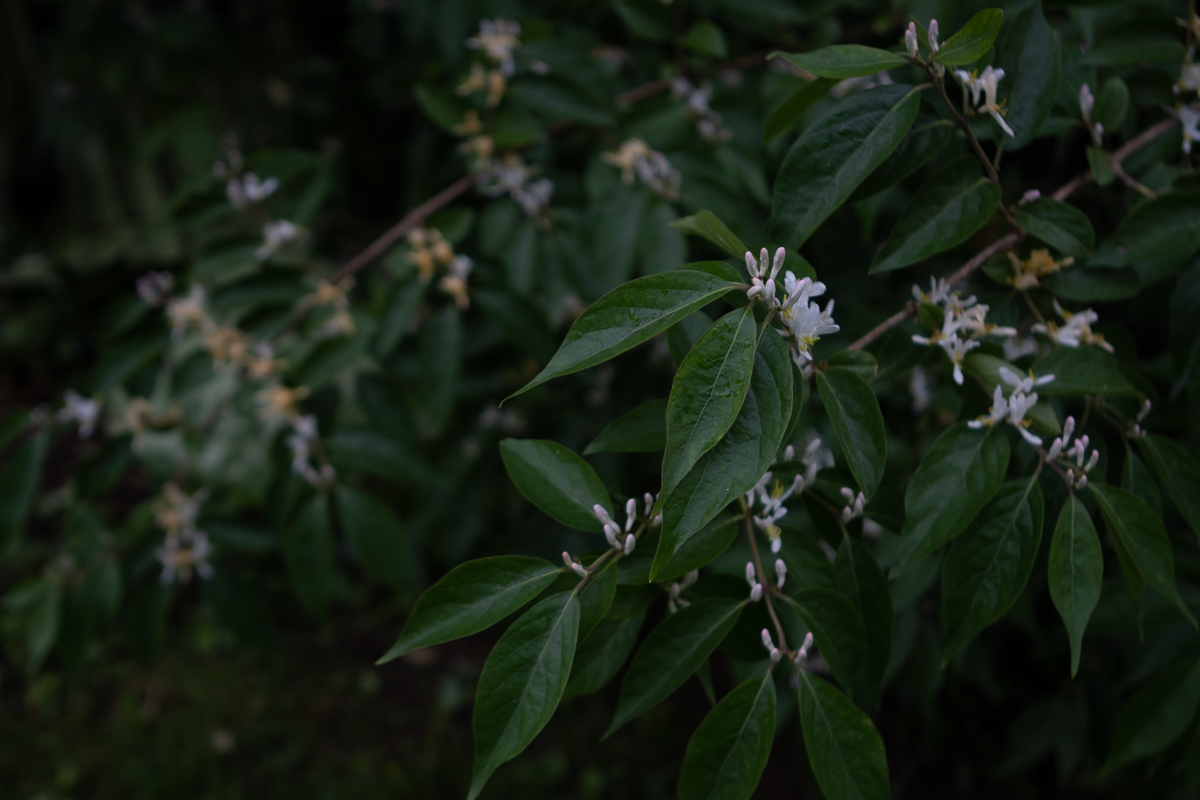
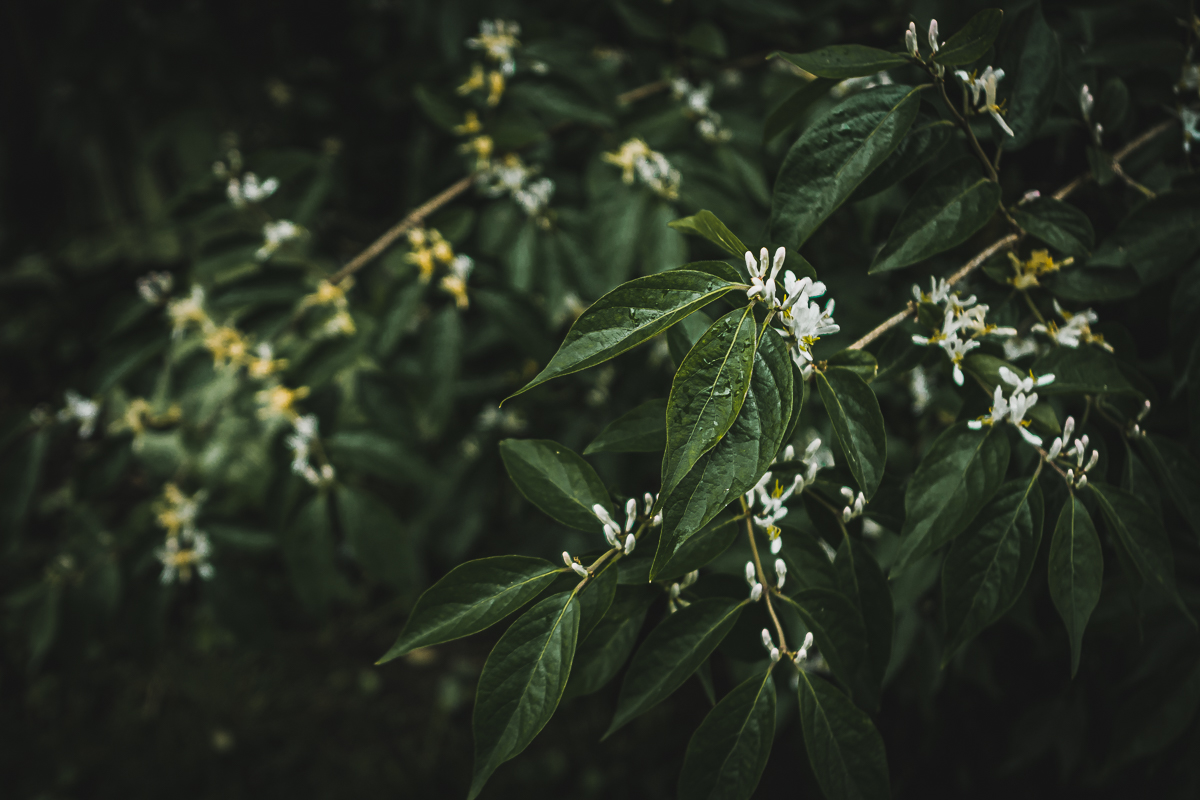
Before After

Surreal

Before After

Dream

Before After

Nightmare

Before After

Red Forest

Before After

Portrait Vibrant

Before After

Golden Seconds

Before After

Harmonize

Before After

Autumn

Volume II

includes 11 new cinematic presets for just $35

Before After

Fall Magic

Before After

Perfect Green

Before After

Colorless

Before After

Romance Novel

Before After

Hollow

Before After

Evergreen

Before After

Nightlight

Before After

Twilight

Before After

Lowlight

Before After

Epic

Before After

Rich and Creamy

Volume I

Includes 10 Adobe Lightroom presets for only $30 + FREE Lightroom mobile versions

Autumn

Dark Fairytale

Dream

Golden Seconds

Harmonize

Nightmare

Portrait Pop

Portrait Vibrant

Red Forest

Surreal

Volume II (NEW)

Includes 11 new Adobe Lightroom presets for only $35 + FREE Lightroom mobile versions

Colorless

Epic

Evergreen

Fall Magic

Hollow

Lowlight

Nightlight

Perfect Green

Rich and Creamy

Romance Novel

Twilight

limited complete collection

Includes all 21 Lightroom presets for just $45

For a limited time, purchase both Volumes together for additional savings.

Installation Instructions:
  • Extract the ZIP file with the presets that you downloaded.
  • Open Lightroom CC and click on the edit icon at the top right. The icon looks like three sliders—three horizontal bars with circles on them.
  • At the bottom on the screen you will see a Presets button. Click this.
  • The presets panel is now revealed.
  • Click on the icon of three dots at the top  •••
  • In the dropdown menu select Import Presets.
  • Navigate to the folder ‘Lightroom and Lightroom Classic since Apr 2018 (.XMP)’, select the presets ZIP file(s) and click Import.
  • All of the presets will now be listed in the Presets panel.